Quick Summary
Gathering resources may seem as simple as sending a team to a point on the map, but making good choices requires answering three questions: Which resource do you need? Which team is idle? How long can you dedicate that team away from other tasks? Proceeding based on these answers creates a more predictable gameplay routine than randomly selecting targets.
Determine Your Needs First
Look at your next in-game goal. Are you short on Food, Gold, or Iron? Prioritize your actual needs rather than just heading to any resource node visible on the map. Knowing your target saves time when selecting resource types in the Search menu. Update your gathering preferences whenever your needs change.
You don’t need to maximize all resources simultaneously. If you require a specific resource for a building or another in-game plan, address that first. However, before dedicating all teams to one task, consider whether you need to reserve a team for another mission. As your account status changes, so should your priorities.
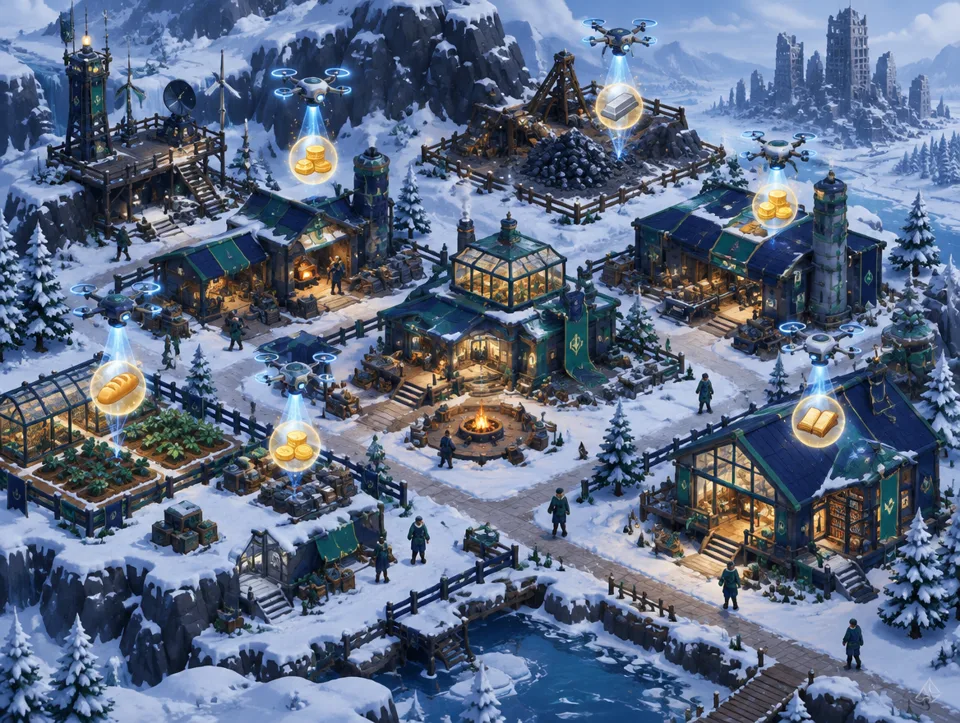
Also review accumulated resource bubbles at your HQ. If there are already collectible HQ resources before sending teams out, collecting them might reduce your immediate need. HQ collection and map gathering are distinct actions: one collects ready production, the other sends teams externally. Plan accordingly with this distinction in mind.
Finding Suitable Targets on the Map
Navigate to the Gathering option in the game’s Search flow, then specify the resource type and appropriate level range. Always choosing the highest level isn’t necessarily the best decision; your team’s suitability and current goals matter. Examine the target displayed on the screen. Verify that the resource type matches your selection and that the team you intend to send is idle.
Before clicking the target on the map, check the location and action button. It’s easy to select the wrong spot among similar icons. When team deployment is confirmed, observe its status on the game screen instead of assuming it’s busy. This prevents planning a second mission for the same team.
If you can’t find a suitable target, review your selected criteria again. The resource type or level preference might be too narrow, or the visible map area might be limited. Try to understand why no targets appear before changing options on the screen. Random clicking may lead to selecting the wrong team or target.
Protect Idle Teams
During resource gathering, you might also need teams for zombies or other map missions. Therefore, keep track of which team is assigned to which task simply. Especially when performing multiple tasks consecutively, check the game interface instead of assuming “the team is ready.” You may need to wait for a team to return before switching to another mission.
If you have Alliance events or other plans, you might not want to use all available teams for gathering. Priority depends on your goals. Make gathering decisions based not only on resource quantity but also on the value the team could generate elsewhere. Checking real-time status is more reliable than following a fixed “best team” recipe.
After selecting a team, monitor the mission outcome. Don’t repeatedly issue send commands before the interface updates. If the game connection is slow, you might mistake latency for failure. Once the screen clears, re-read the current team status.
Consider Together with HQ Resources
Food, Gold, Iron, and EXP bubbles accumulating at your HQ are also part of the routine. You don’t need to constantly switch panels to review them. Checking the HQ screen at the start of a session or between map rounds may suffice. Collecting bubbles when they accumulate helps you see more accurately which resources are still lacking.
After collecting HQ resources, reselect your map target. Initially appearing short on Gold, your HQ collection might have partially met that need. Based on the new situation, you might shift focus to another resource type. Such checks reduce unnecessarily sending teams to the wrong resource.
Map gathering and HQ bubbles are ways to obtain existing resources in the game. Do not confuse them with unlimited resource “cheats.” Last War cheat guide explains false promises regarding server-side values.
Mistakes to Avoid During Gathering
The most common mistake is sending a team without checking the resource type. The second error is selecting a busy or otherwise assigned team. The third is failing to update resource needs over time. As your tasks change, your needs may change too; don’t leave Search settings on old selections.
Don’t rely on external lists of fixed numbers for rewards and durations. In-game targets, teams, and current conditions are decisive. Read the information displayed on the screen; base gathering efficiency on your own account’s needs. While planning alongside Daily Tasks, check via the panel whether gathering contributes to relevant tasks.
Automate This
Last War Bot’s automated resource gathering feature uses the game’s Search → Gathering flow, selects resource types and levels, and sends idle teams. It also collects Food, Gold, Iron, and EXP bubbles on the HQ screen when they accumulate, instead of requiring constant clicks. The bot does not generate resources nor alter account amounts on the server.
When using it, ensure that resource type, level, and team selections align with your goals. The bot operates on the visible screen of the official Windows PC client. Automation may violate game rules; read the Security disclaimer. For settings and other features, see the Features page; for starting, refer to the Installation page.